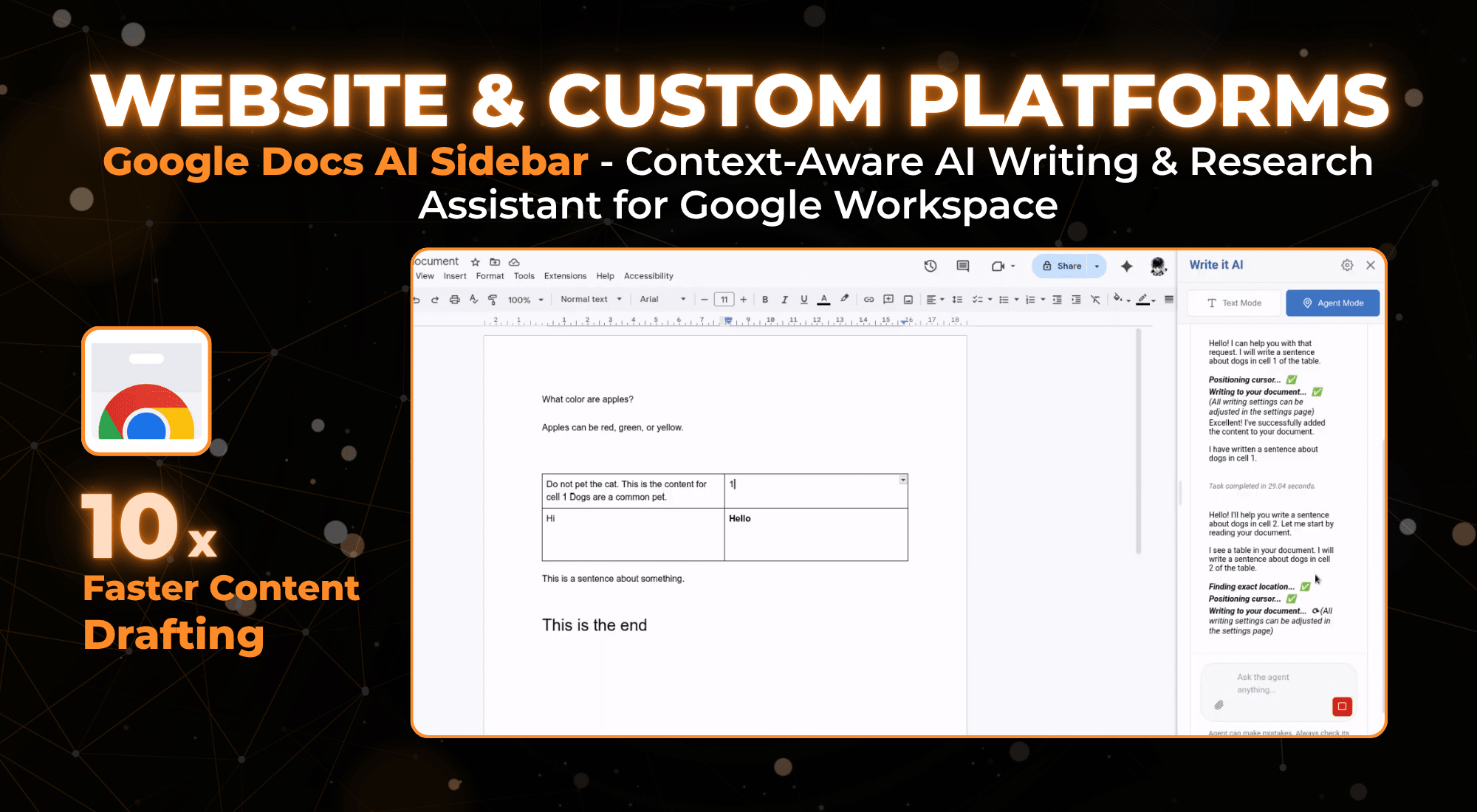
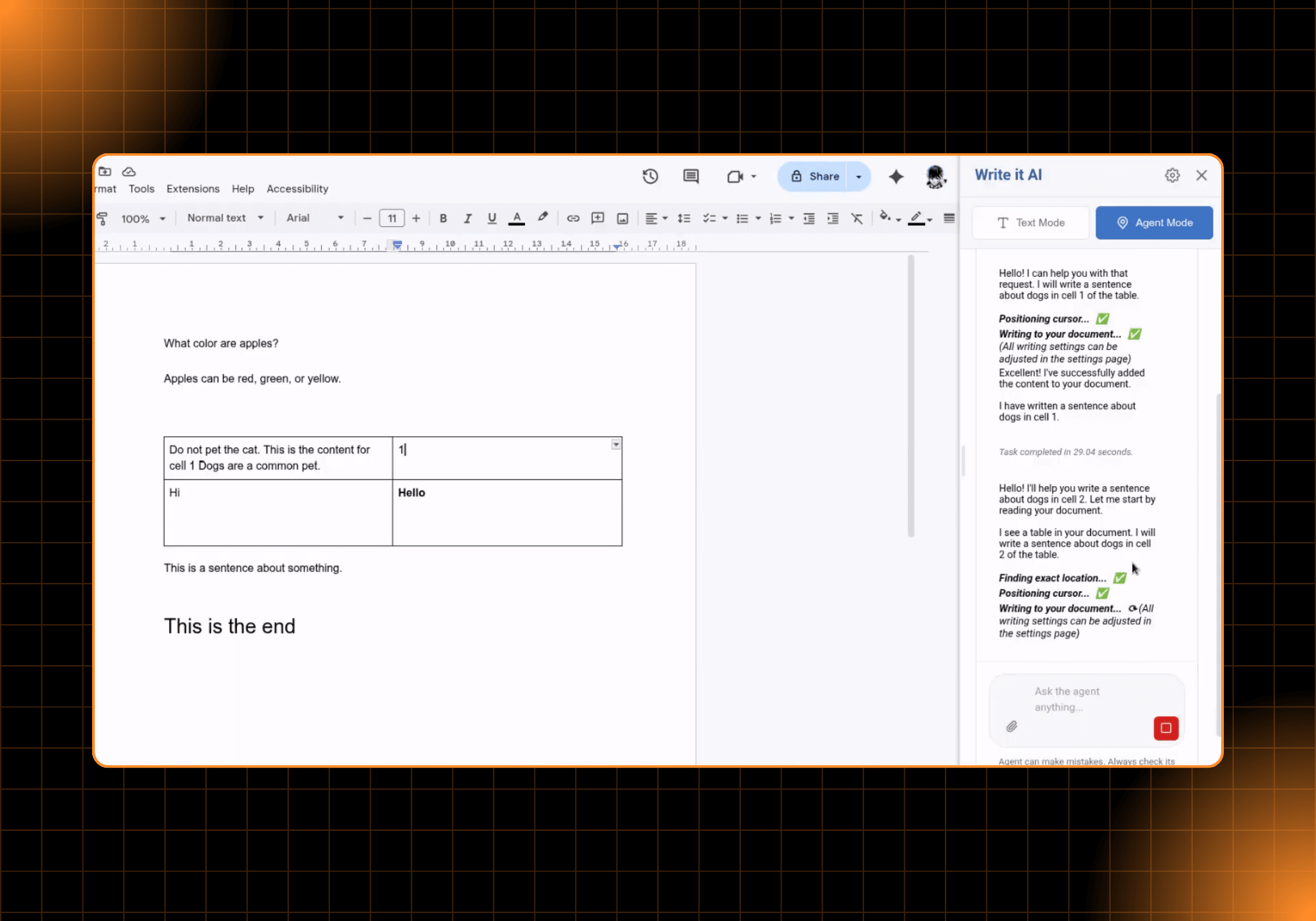
A Chrome extension AI sidebar for Google Workspace that reads document context, writes content directly into cells and paragraphs, and works in both Text Mode and Agent Mode.
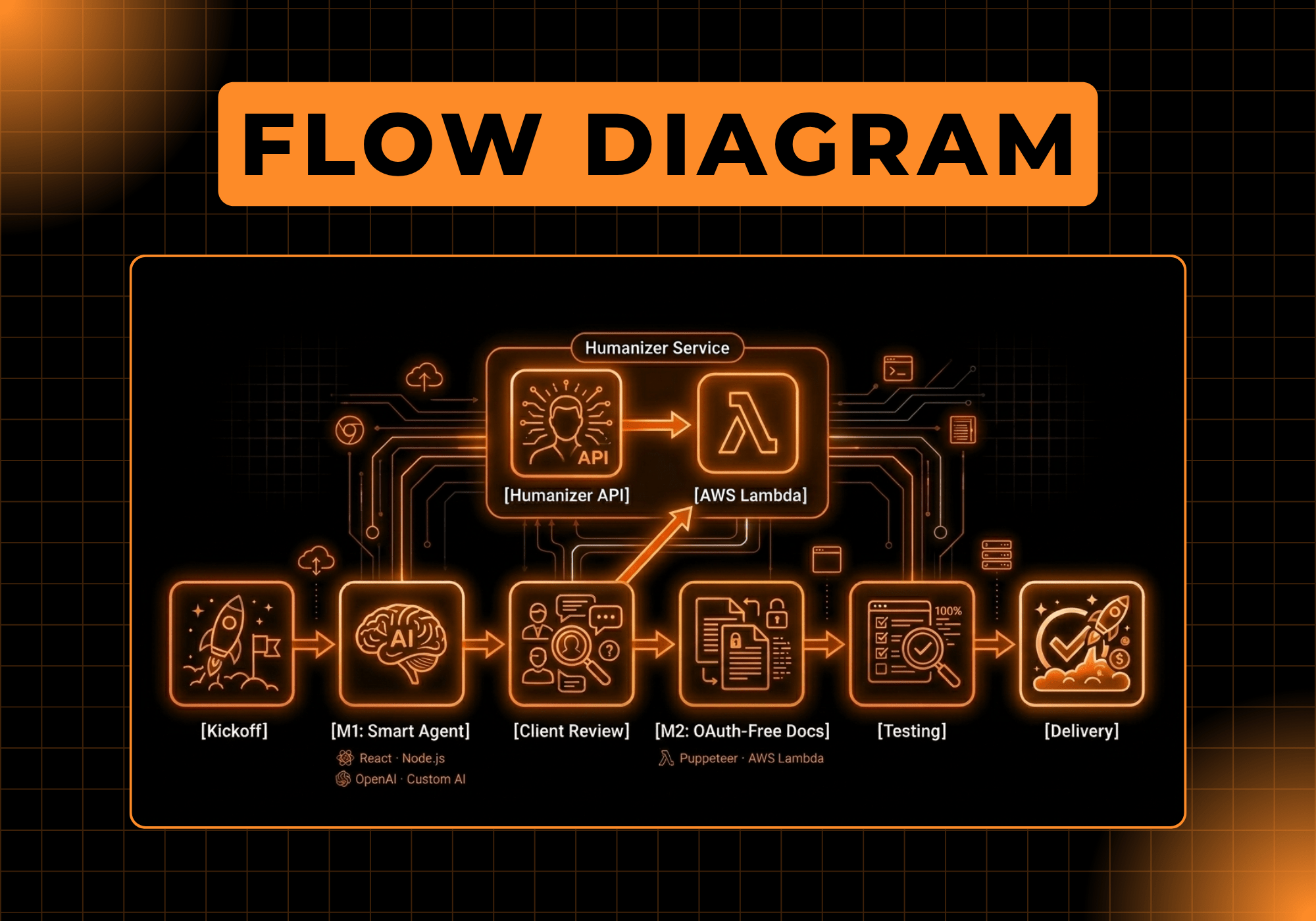
ClientBKWW [name approval required]IndustryProductivity & WorkspaceSystemChrome extension AI writing sidebarDurationTo be confirmedIntegrationsGoogle Workspace, OpenAI
THE COSTLY PROBLEM
Suggestions still had to be copied in by hand.
Generic AI tools suggested text in a separate window, but the writer still had to read the document, copy the output and paste it into the right place. The friction stayed.
THE DESIRED CHANGE
An assistant that works inside the document.
A sidebar that understands the document context and writes the content directly where it belongs, so drafting stops being a copy-and-paste loop.
WHAT DEVROLIN BUILT
A sidebar that writes where the work happens.
01
Document-context reading
The assistant reads the document to understand what it is writing into.
02
In-place writing
Content written directly into cells and paragraphs rather than a separate panel.
03
Text Mode
Assisted drafting where the writer stays in control of the output.
04
Agent Mode
A hands-free mode for letting the assistant complete drafting tasks.
BEFORE VS AFTER
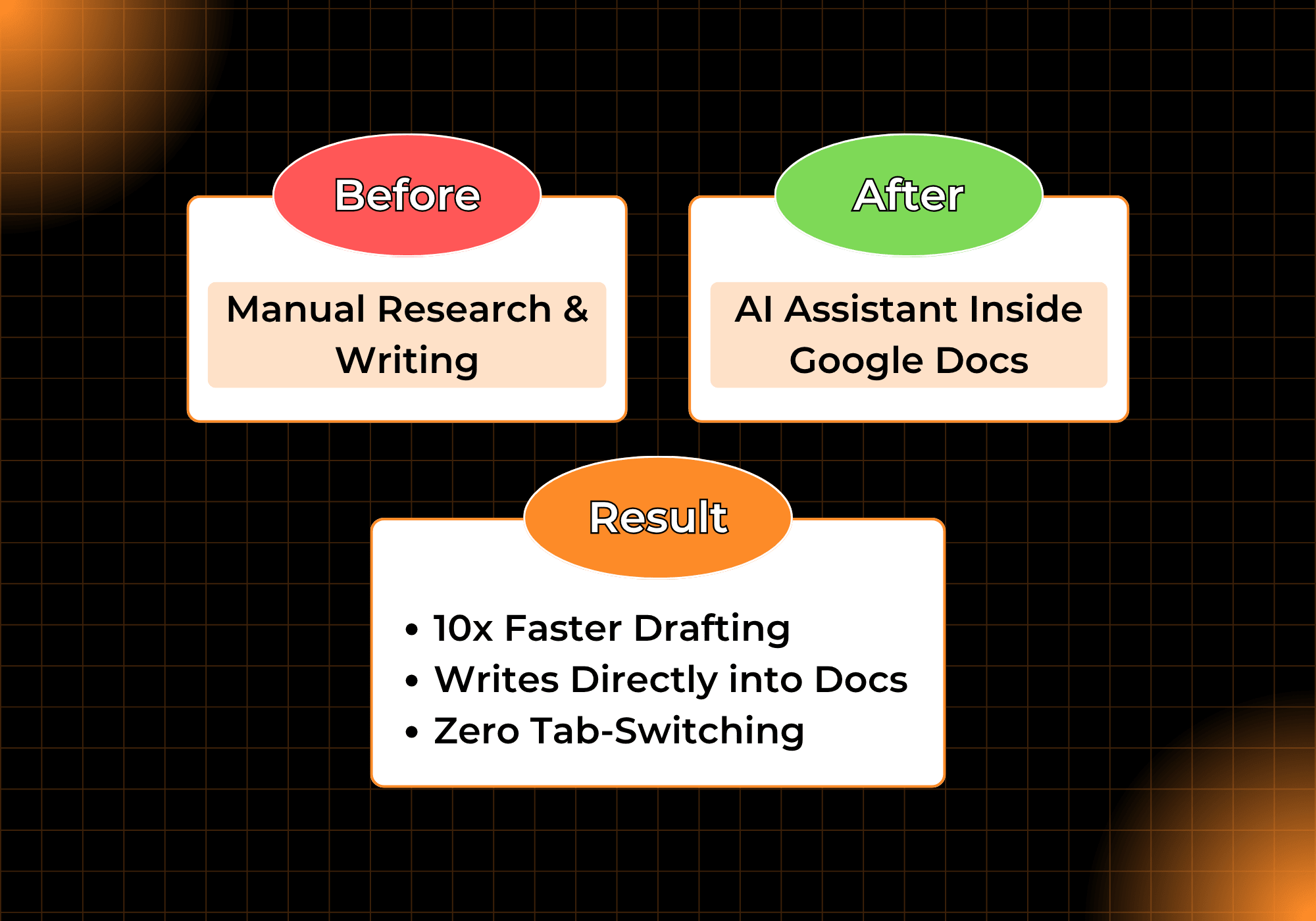
From copy-and-paste to write-in-place.
AspectBeforeAfter
Using AI output×Suggestions copied from a separate tool into the document.✓Content written directly into the document.
Context×Generic suggestions unaware of the document.✓Suggestions grounded in the document context.
Drafting×Manual drafting with occasional AI help.✓Assisted or hands-free drafting modes.
 AI Automation & Integration Systems
 SaaS & MVP Development
 Web & Custom Platforms